1. How do I connect the G1000 to the Anypos app via Bluetooth?
- Power on the G1000.
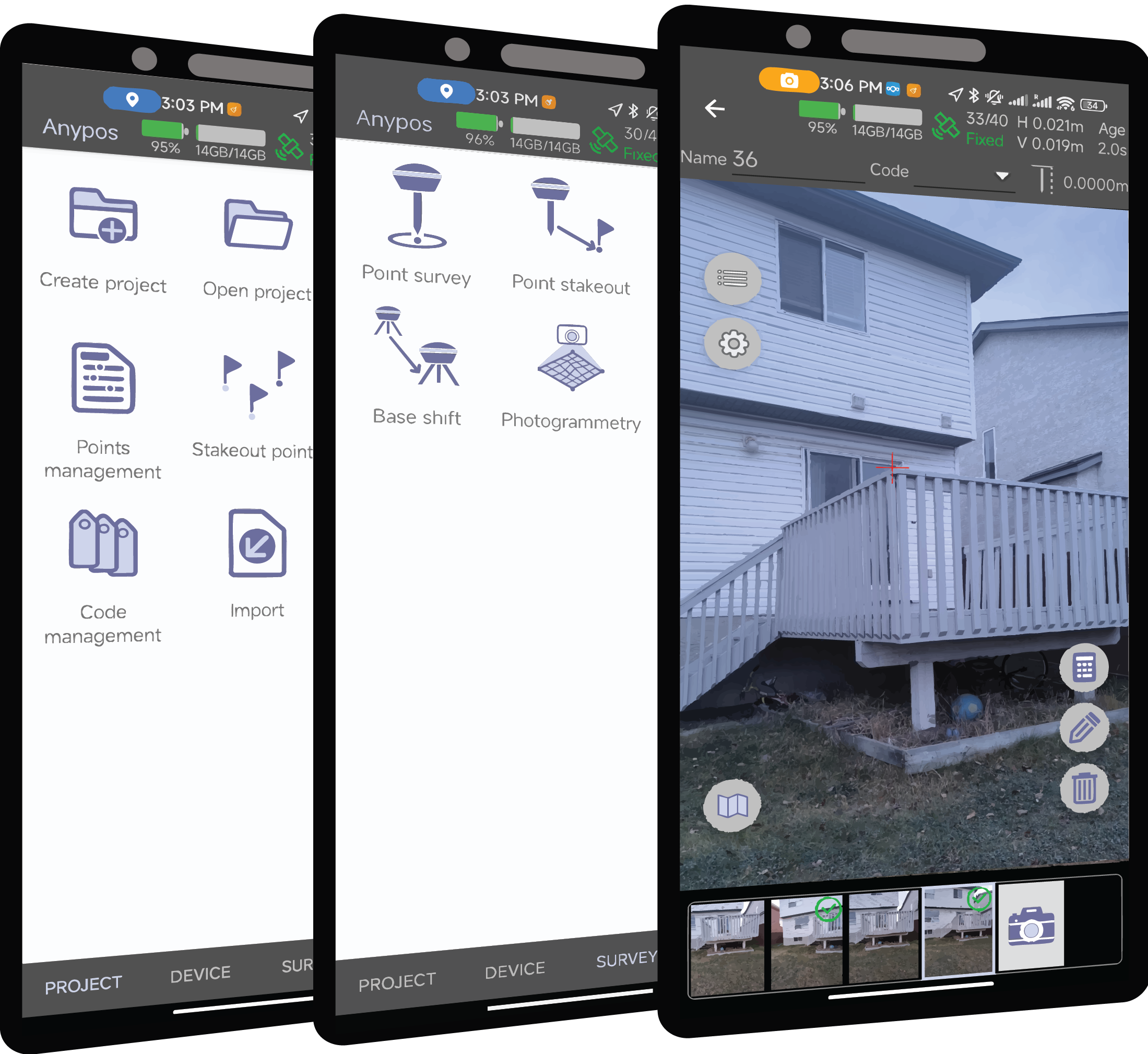
- Open the Anypos app on your mobile device.
- Go to Device > Device Connect.
- Set connection method to Bluetooth and tap Scan.
- Select the device named
G1000x-XXXXXX_BLE and tap Connect.
Note: The G1000 can only be connected to one phone at a time. Disconnect from other devices if needed.
2. What information does the Anypos toolbar show?
Once connected, the toolbar shows:
- Battery level
- Storage space (used and total)
- Satellite info (used/tracked, fix type: Fixed/Float/SPP/DGPS)
- Positioning accuracy (RMS)
- RTK correction age
Tap the toolbar to view:
- Skyplot (satellite positions)
- C/N₀ Plot (signal strength)
3. How do I start internal data recording from the app?
- Navigate to Device Configuration > Data Logging
- Toggle on to start recording raw GNSS, solutions, and correction data
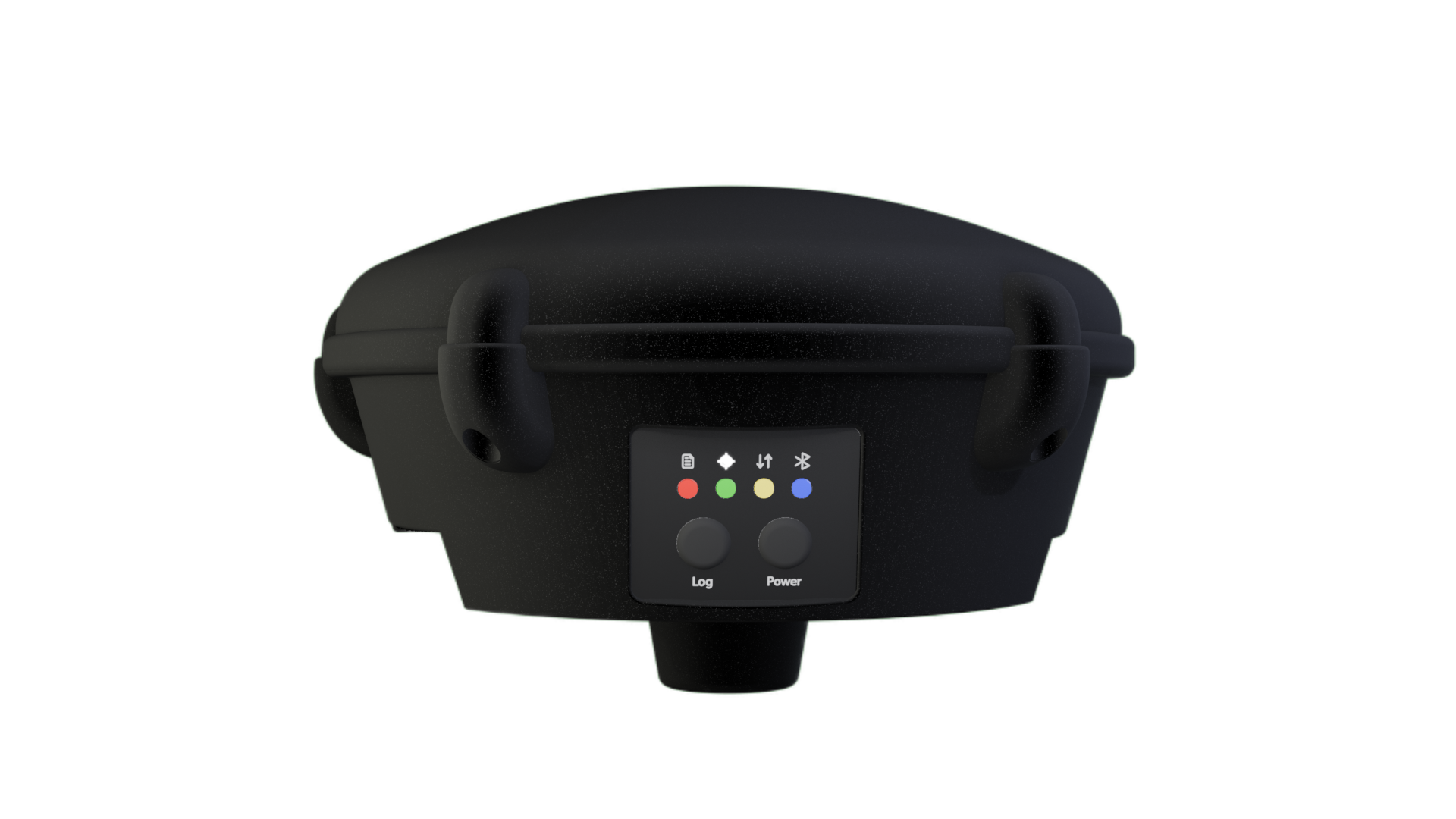
You can also long-press the physical Record button on the device to start or stop logging.
4. What if the app shows “Correction data received” but no RTK fix?
- Make sure Base Mode is off (if you are using the G1000 as a rover).
- Check antenna placement and GNSS signal quality.
- Confirm that correction messages are complete and correctly formatted.
- Try adjusting constellation selection or elevation mask in the Device Configuration.